Below are list's, information and example pictures of the props and costumes I will be using within my music video. This information will be sent to any whom are participating within my music video so there is an understanding of what equipment will be present on the shooting days, and also the costumes actors and actresses will be arriving in.

Saturday, 31 October 2015

Thursday, 15 October 2015
Secondary Audience Research
I firstly went on the bands website, which can be found HERE.
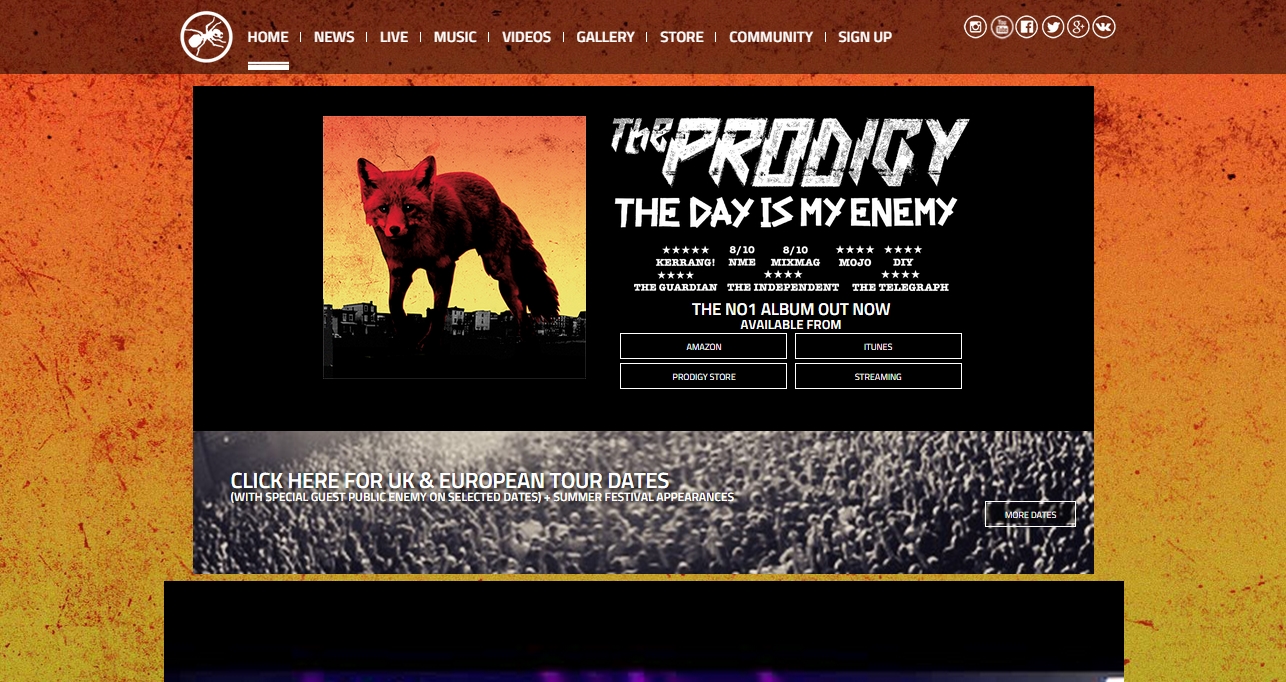
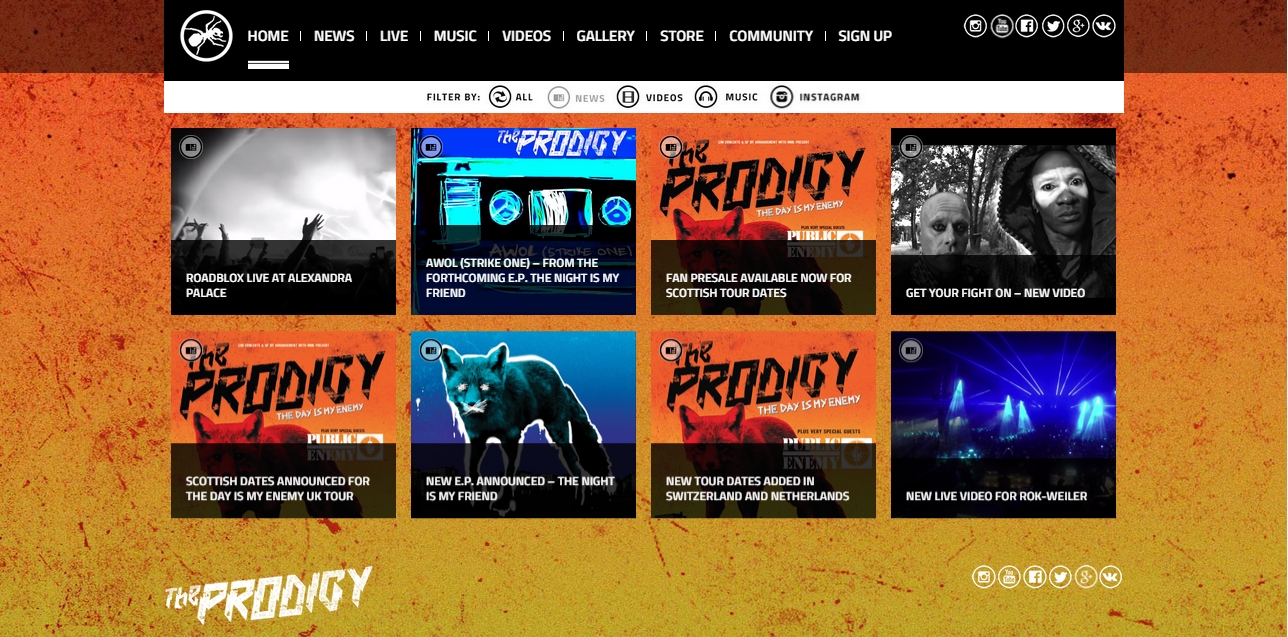
Browsing over the home page to start with it became apparent that the main focus of the band is that their audience has the ability to watch multiple music videos instantly. This is obvious due to the amount of music video links they have on their front page. Another thing which the band has on their home page is a variety of links to tour dates and images. This being so that the audience members can efficiently navigate their way to Ticket Master for example, to purchase tickets to their shows, and to entice new fans by showing bustling crowds in their photos. Something which which helps their growing fan base is the use of active social media links at the top of their website, this allowing new and old fans a way to jump to their Facebook page / Twitter / Instagram and even Google +. Effectively, the navigation bar which previews the media links and page links is fixed at the top of the web page, giving the audience the ability to access it no matter what they're looking at on their site.
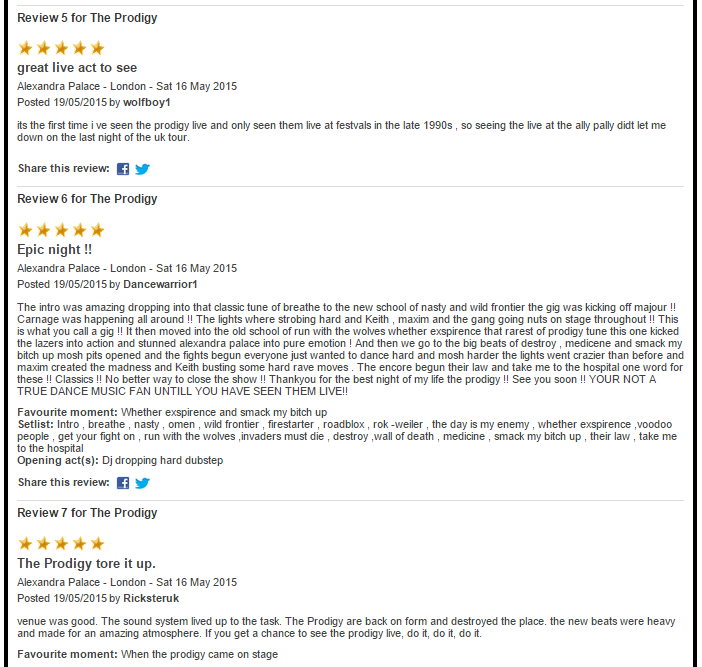
Below are several detailed gig reviews which I acquired from the Ticket Master website. With lots of high rating on the band it, not only does this help present that band as being good and well worth the money to watch live but also that there is a good amount of audience reviews. Mainly giving them a 5/5 star rating for live performances.
The reviews can be found HERE.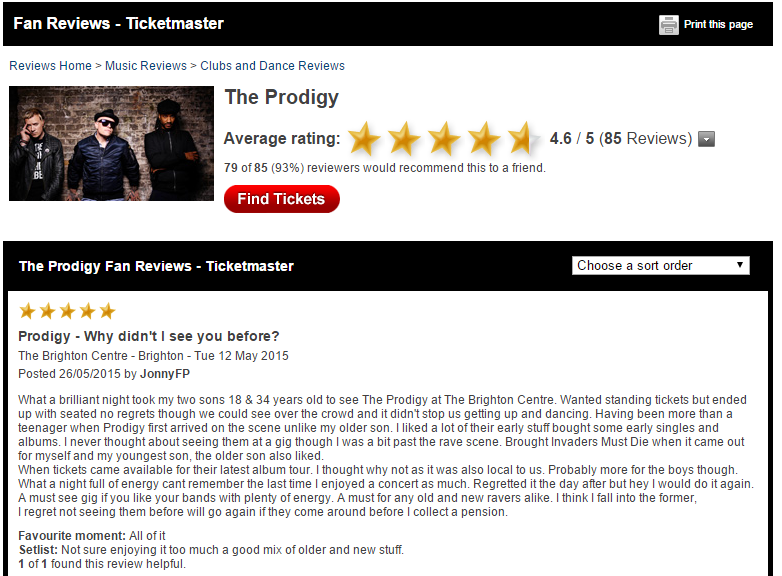
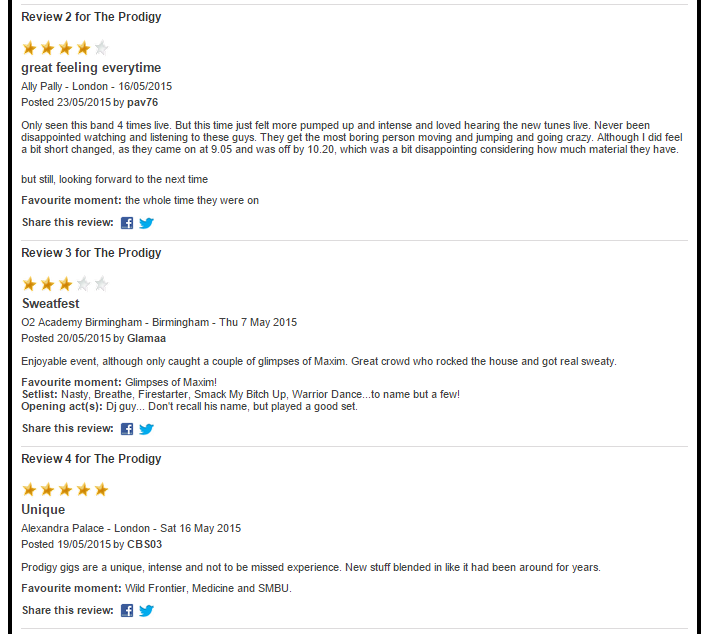
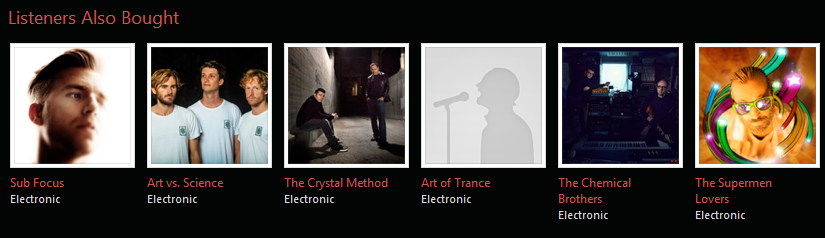
After looking at recent gig reviews I decided to look on different online stores for related bands and products also brought by customers who brought The Prodigy's album.Some of these online stores consisted of Amazon, Itunes, Spotify, and HMV's digital shop.
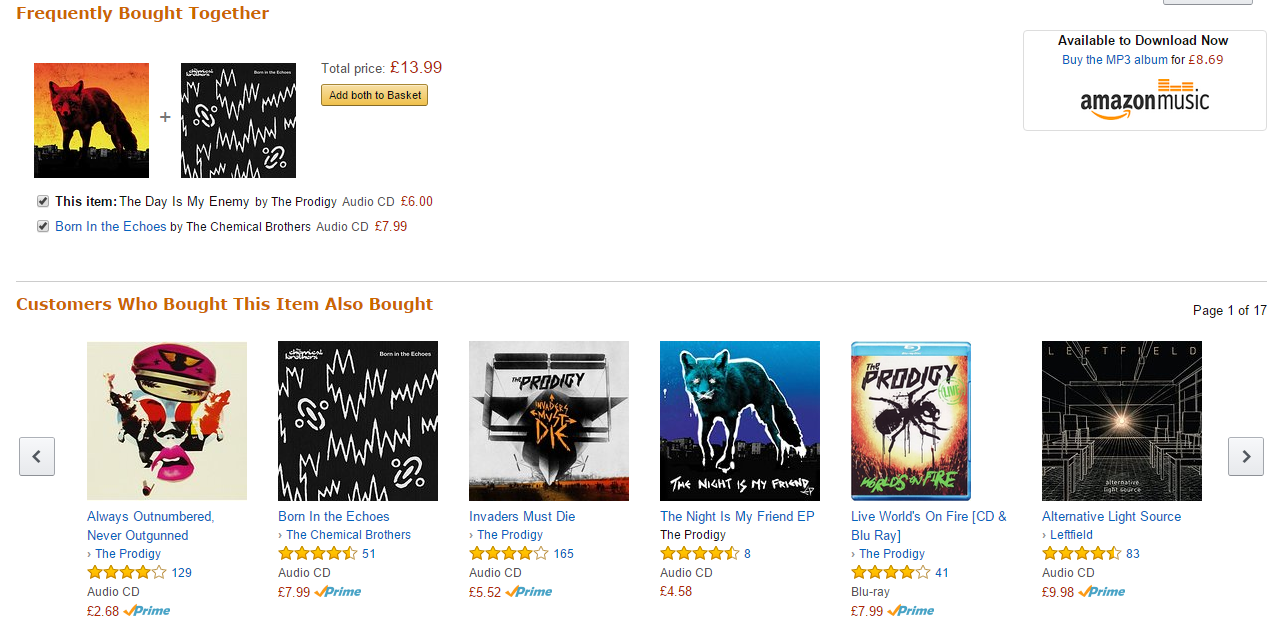
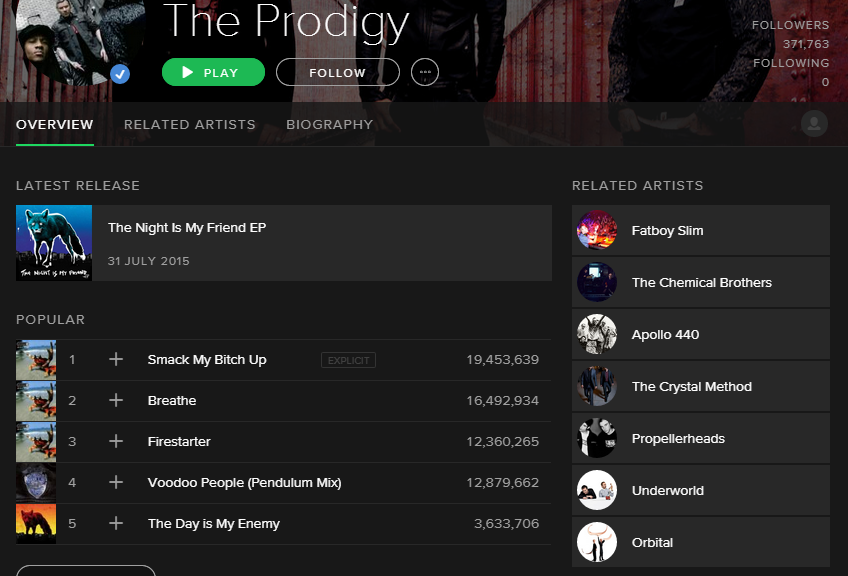
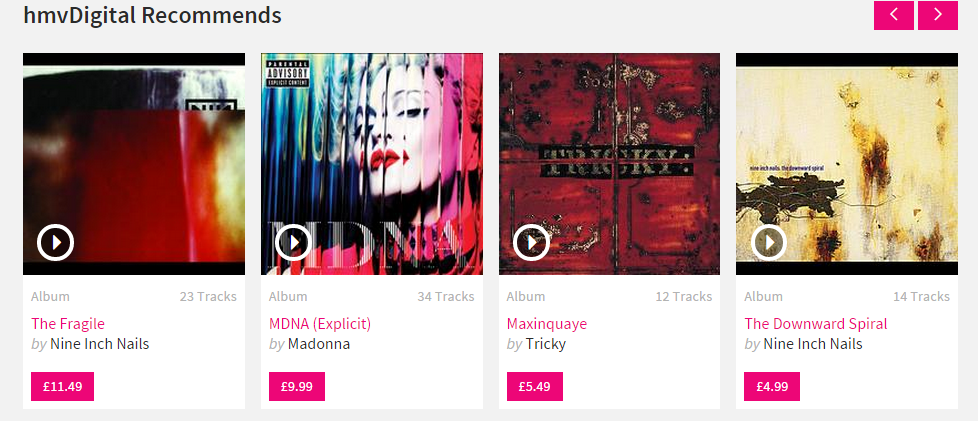
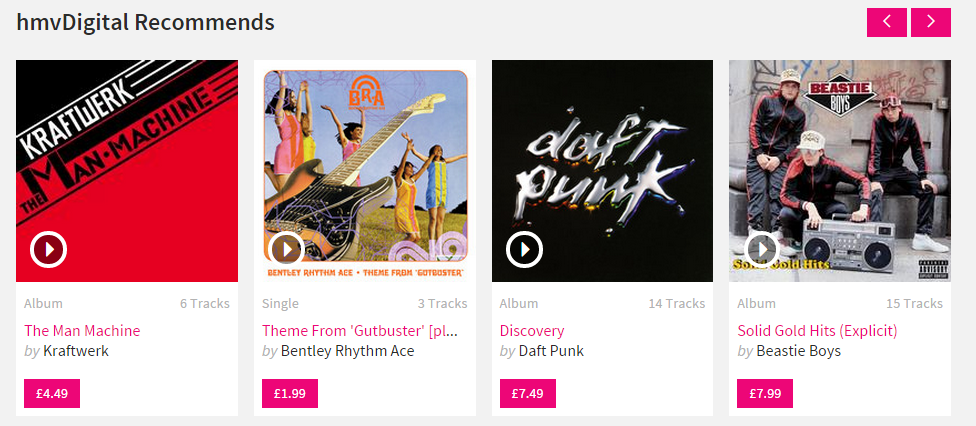
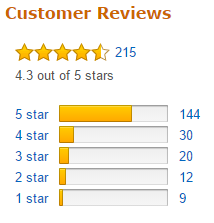
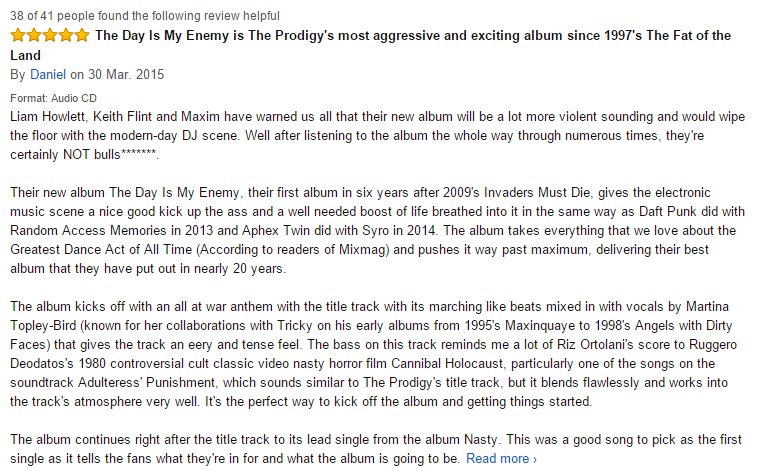
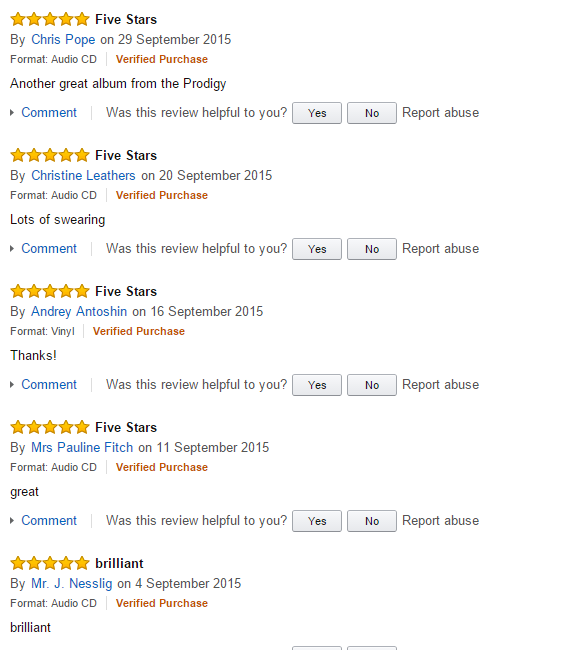
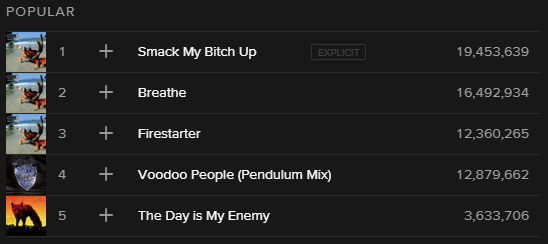
The final thing I looked for was reviews from these online stores. I took reviews from Amazon and then the listener count from spotify to get an idea of the types of comments and compliments customers said, but also what songs seemed to be their fans favourites. As you can see on spotify the Number 1 favourite song is 'Smack My Bitch Up'. Although this song from a old album, their newest song ' The Day Is My Enemy ' is in their top 5 favourites, currently standing at 3,633,706 streams.
Tuesday, 13 October 2015
Primary Audience Research
Below are screenshots of a survey I created, and also the results I received back.


Conclusion
From my research I have gathered that my audience range is people within the age rage of 11 to 60. Although this is a board age range, the more prominent age range of people is between the age range of 11-20 or from 41-50.
Saturday, 10 October 2015
Animatic
Once my storyboard was finished I turn it into an animatic. I did this so that I could get an idea of how the video would go, and how it may be cut together at various different parts.
The music was removed due to copyright laws
The music was removed due to copyright laws
Friday, 9 October 2015
Storyboard
Below is my storyboard. This will give me a general idea of how my product will look, and the shots I'll need to take / gather to actually make it. Although this is not the full version of the storyboard it generally covers the beginning and the middle parts of my music video. Due to the fact that i have used 'blob' people to represent my actors, I have listed them with a 'M' for male and 'F' for female so i can differentiate between the 'blob' people.


Thursday, 8 October 2015
Over Cranking The Track
Below is an sped up version of the song I will be using in my final product, this is so that I can experiment and possibly use over cranking in my final music video.
I firstly uploaded the .mp3 file of the song into Adore Premiere and dragged it into the timeline section of the program.


After that was complete I exported the track as a WAV music file, and uploaded it to Sound cloud.

Under Cranking The Track
Below is an slowed down version of the song I will be using in my final product, this is so that I can experiment and possibly use under cranked version in my final music video.

I then left clicked on the track and pressed Speed / Duration and the box displayed below popped up.


In the " Speed: " section of the pop up box I changed it from 100% to 50%, therefore halving the speed.


I firstly uploaded the .mp3 file of the song into Adore Premiere and dragged it into the timeline section of the program.
I then left clicked on the track and pressed Speed / Duration and the box displayed below popped up.

Below is a screenshot of the pop up box

In the " Speed: " section of the pop up box I changed it from 100% to 50%, therefore halving the speed.

After that was complete I exported the track as a WAV music file, and uploaded it to Sound cloud.

Wednesday, 7 October 2015
Lyric Annotation
Below is the scanned in copy of my lyric annotations. I did this to start the creative process and planning for the basic shots of the music video.


Subscribe to:
Posts (Atom)